Sharing in Metric Explorer
Overview
Suppose you have selected a widget from the list and that is displayed on the screen. You have applied the arethmetic operations to it and performed few actions like anomaly or forecasting. Now, you want to share it with some specific email id. Sharing the particular metric analysis is a crucial step and that is resolved by Motadata ObserveOps (formerly known as AIOps) Share feature.
Navigation
Go to Menu, Select Metric Explorer . The Metric explorer screen is displayed.
Share using Metric Explorer
Add the metric trend to the metric explorer for which you want to share the values. After adding the metric to the metric explorer, click on  .
.
Select Share  to display the screen showing share options.
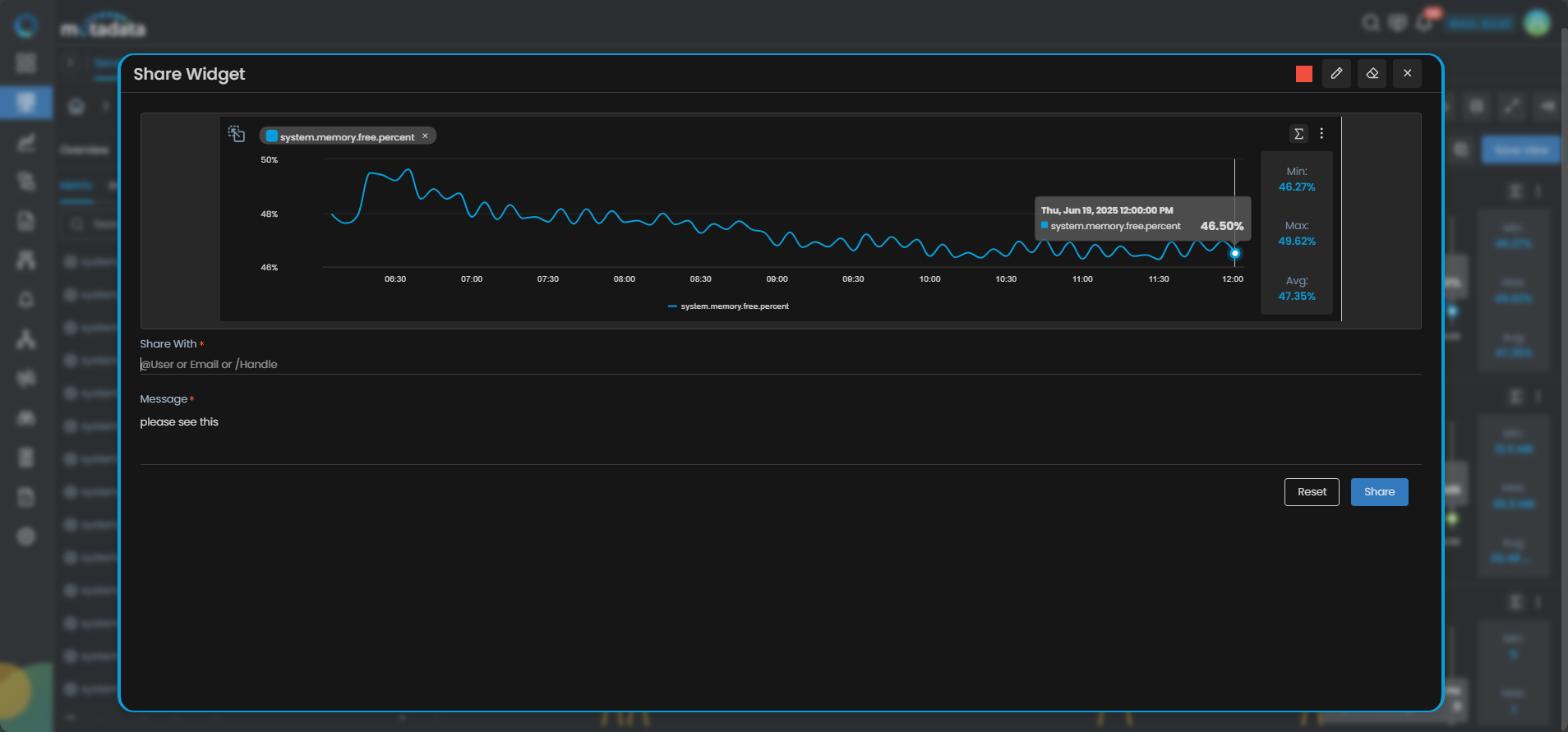
You can highlight the specific area from the widget. You can share the widget by entering an email ID, handle, username, or user profile along with a message.